A Network Security Checklist for Small and Mid-Sized Businesses
Ten controls that stop the attacks small businesses face: asset inventory, patching, MFA, firewall rules, segmentation, EDR, email defense, backups.
By Silver Star Telecom
Small and mid-sized businesses are attractive targets precisely because they are not large enterprises. They hold customer records, payment data, and sometimes health information, and they usually protect it with a fraction of the staff and budget. Most successful attacks against them are not sophisticated. They exploit a missing patch, a reused password, an open remote access port, or an employee who clicked something on a Tuesday afternoon.
That is good news, because unglamorous problems have unglamorous fixes. The checklist below covers the controls that matter most, in roughly the order worth addressing them.
1. Know what is on your network
You cannot protect an asset you have not counted. Before anything else, build an inventory of devices, users, and applications: servers, workstations, laptops, phones, printers, cameras, access control panels, point-of-sale terminals, and anything else with an IP address.
Two things usually surface during this exercise. First, devices nobody is responsible for, often installed by a vendor years ago and never patched since. Second, accounts belonging to people who left the company. Both are common entry points, and both are fixed with an afternoon of work.
Include your SaaS applications in the inventory. Shadow IT, meaning tools individual departments signed up for without telling anyone, is where a surprising share of company data lives.
2. Patch on a schedule, not on an impulse
Unpatched software remains one of the most reliable ways into a network. The issue is rarely that patching is hard. It is that it is nobody's specific job, so it happens when someone remembers.
Define a schedule and hold to it. Critical vulnerabilities on internet-facing systems within days. Operating systems and browsers monthly. Firmware on firewalls, switches, access points, cameras, and network video recorders on a defined cycle, since network appliance firmware is among the most neglected and most targeted software in a typical building.
Patch management is a core component of most managed service arrangements for exactly this reason. It is routine work with severe consequences when skipped.
3. Put multi-factor authentication on everything that supports it
Stolen credentials are sold in volume, and password reuse means a breach at an unrelated service can become a breach at yours. Multi-factor authentication is the single highest-value control available to a small business relative to its cost.
Prioritize email, remote access and VPN, administrative accounts, financial systems, and any application reachable from the internet. Prefer authenticator apps or hardware keys over SMS where you have the choice, since SMS is vulnerable to number porting attacks.
Pair this with the principle of least privilege. Most users do not need administrator rights, and administrators should use separate accounts for administrative work rather than browsing the web while logged in as a domain admin.
4. Take the firewall seriously
A firewall that was configured once at installation and never revisited is a liability with a green light on it. Review the rule set. Look for rules added temporarily for a project that ended two years ago, remote desktop exposed directly to the internet, and any-to-any rules that were meant as a troubleshooting step.
A properly managed firewall does more than allow and deny ports. It inspects traffic, blocks known malicious destinations, and logs enough to reconstruct what happened after an incident. Those logs are worth little if nobody reviews them, which is why monitoring belongs with the firewall rather than as an afterthought.
5. Segment the network
A flat network means anything that reaches one device can reach everything. Segmentation limits the damage.
At minimum, separate guest wireless from your business network. Beyond that, put point-of-sale systems, surveillance cameras, access control panels, building automation, and other operational technology on their own segments. Internet-connected cameras and controllers are frequently shipped with weak default credentials and rarely updated, which makes them a common foothold. There is no reason a camera should be able to reach the accounting server.
For businesses subject to PCI requirements, segmentation is also what keeps the scope of an audit manageable.
6. Deploy endpoint detection and response
Traditional antivirus matches known signatures. Modern attacks routinely evade it. Endpoint detection and response watches behavior instead, flagging the patterns that precede an incident, such as a process encrypting files rapidly or credential dumping tools running on a workstation.
The important part is that alerts reach someone who acts on them. An EDR console nobody watches is a record of what happened, not a defense. This is where 24x7 monitoring earns its cost, since attacks are disproportionately launched outside business hours, on weekends, and during holidays.
7. Treat email as the primary attack surface
Phishing remains the most common initial access method, and business email compromise causes more direct financial loss than ransomware for many organizations.
Implement SPF, DKIM, and DMARC so that your domain is harder to spoof. Filter attachments and links. Then train staff, with real examples and with simulated phishing rather than a once-a-year video.
Add a procedural control that technology cannot provide: require verbal verification through a known phone number for any change to payment details or any unusual wire request. The most expensive incidents at small businesses frequently involve no malware at all, just a convincing email about an updated bank account.
8. Back it up, offsite and out of reach
Ransomware operators target backups first. A backup that a compromised administrator account can delete is not a recovery plan.
Keep three copies of your data on two types of media with one offsite, and ensure at least one copy is immutable or otherwise isolated from your production credentials. Then test restores on a schedule, because untested backups are assumptions. Time the restore and compare it to how long your business can actually tolerate being down.
9. Secure the physical side too
Network security stops at the door of an unlocked server closet. Physical and digital security fail together more often than most plans acknowledge.
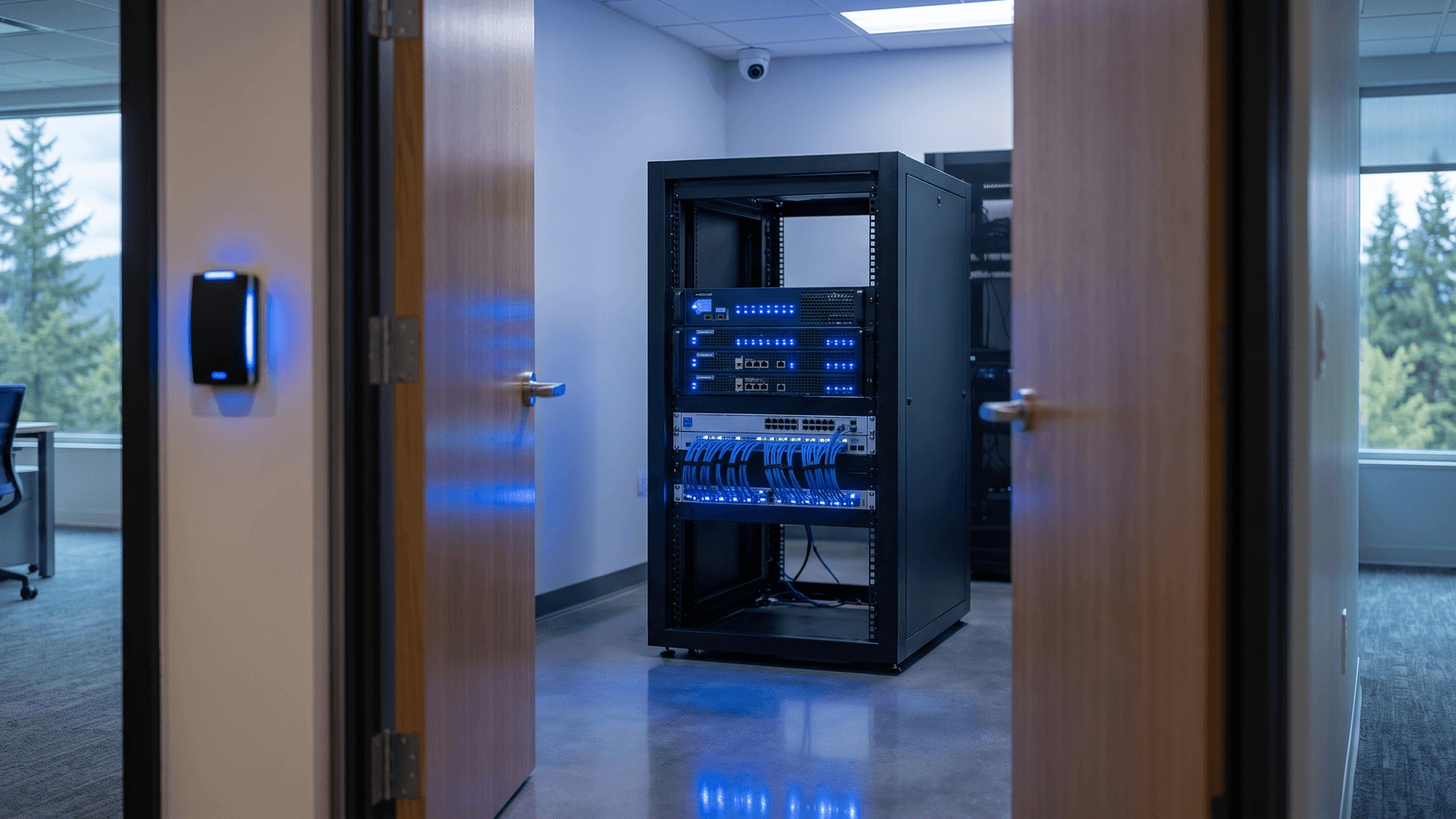
Control access to network equipment rooms, and log it. Use access control rather than keys where staff turnover makes rekeying impractical, since a credential can be revoked in seconds and a copied key cannot. Position cameras to cover entrances, equipment areas, and points of sale, and confirm that recordings are retained long enough to be useful and stored somewhere an intruder cannot simply carry out of the building.
Cameras and access control are IP devices on your network, which brings this back to inventory, patching, credentials, and segmentation. Designing physical and network security together avoids the common outcome where a surveillance install quietly introduces the weakest devices on the network.
10. Write the incident response plan before you need it
Decide in advance who declares an incident, who is called first, how staff are notified when email is unavailable, when legal counsel and insurers are contacted, and what your notification obligations are under applicable regulation. Keep a printed copy, because a plan stored only on the affected network is not available during an incident.
Where to start
If this list feels long, start with the three controls that block the most common attacks: multi-factor authentication everywhere it is supported, patching on a defined schedule, and tested offsite backups. Those three address a large share of real-world incidents at small businesses.
Silver Star Telecom designs, installs, and manages network and physical security together for businesses across Oregon and Washington, including managed firewalls, 24x7x365 monitoring with threat detection and endpoint detection and response, patch management, offsite backup, surveillance, and access control, with HIPAA and PCI compliance certifications behind the work. For a review of your current posture, call (360) 524-7498 or email sales@silverstartelecom.com.